Generate a payment link from an invoice and send it to your customer by email or SMS. This also covers what happens once they have paid.
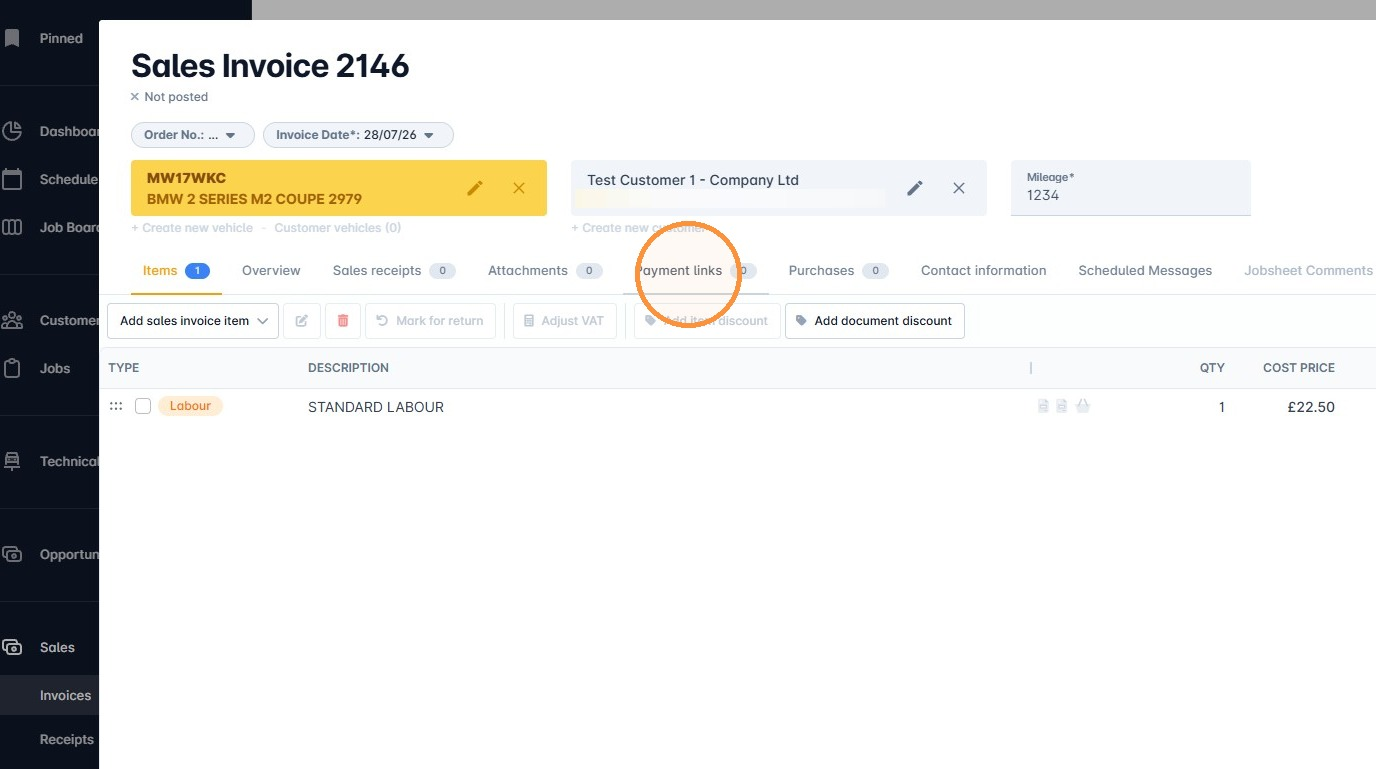
1. When in an invoice, click Payment links.
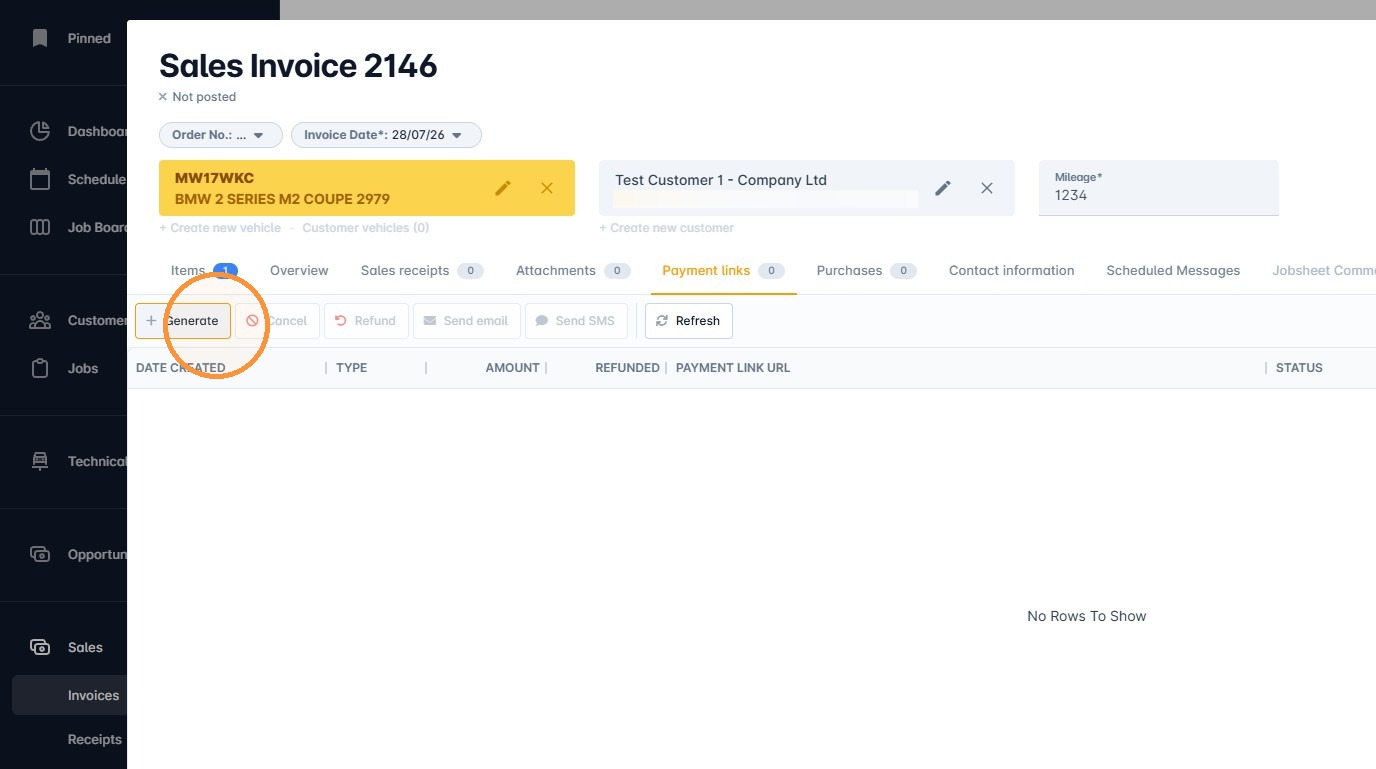
2. Click Generate.
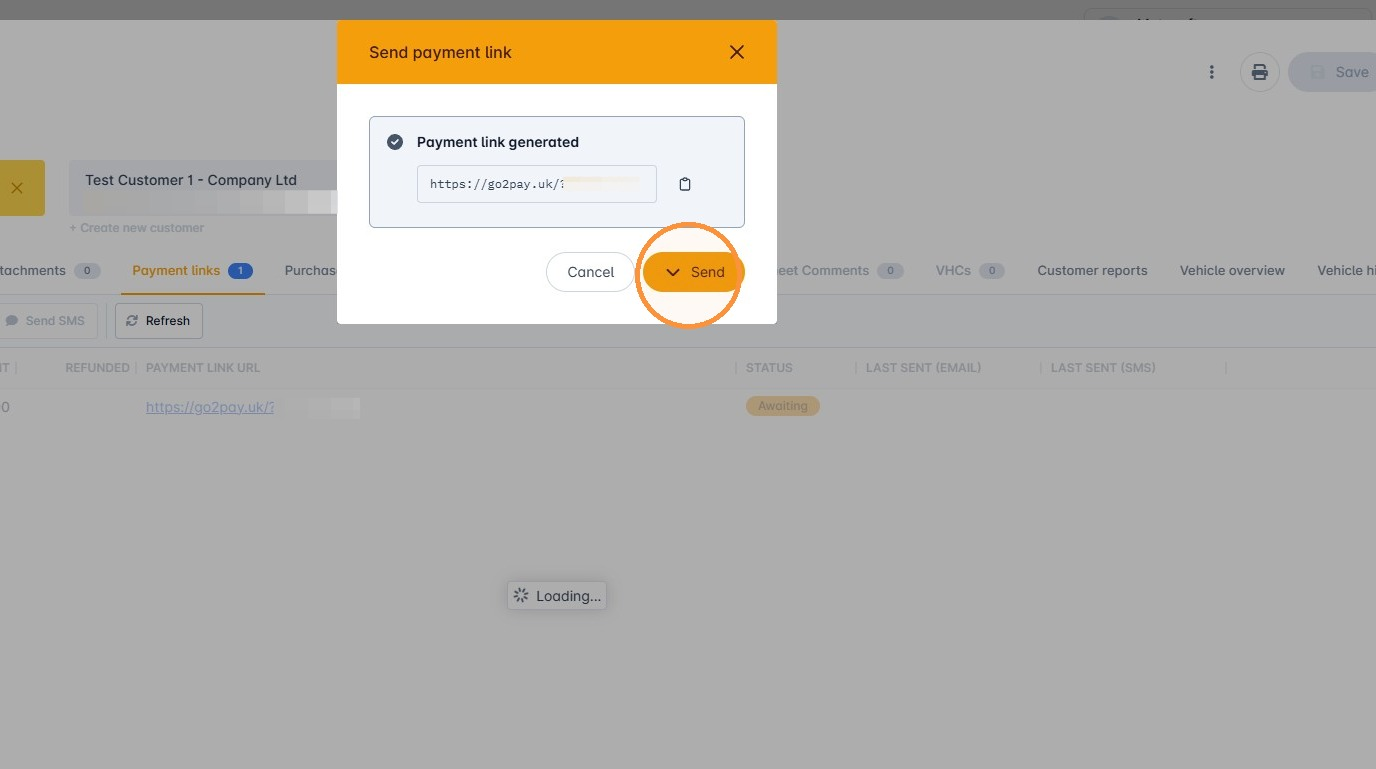
3. A modal will show with the newly generated payment link.
4. The Send button will give you the option to send via email or SMS.
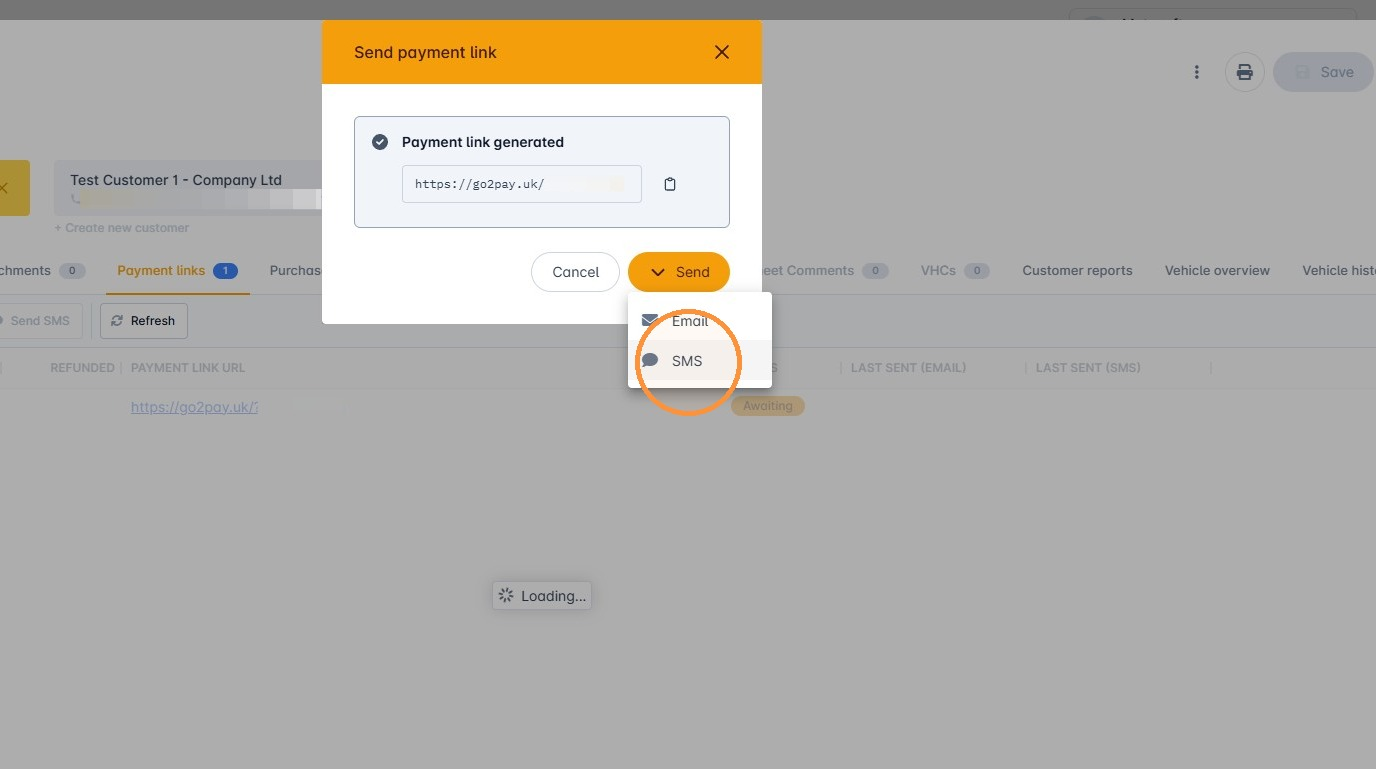
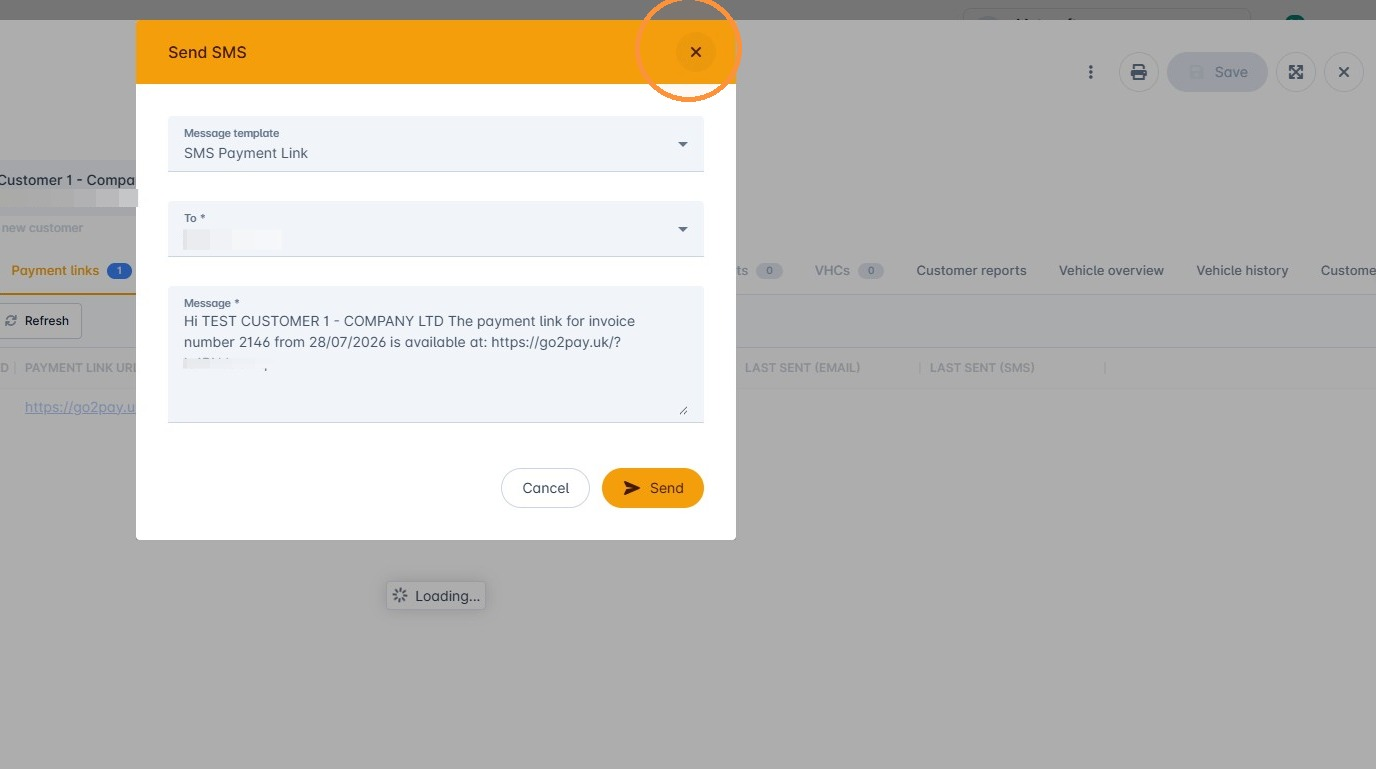
5. Clicking either option will open a window previewing the message and recipient.
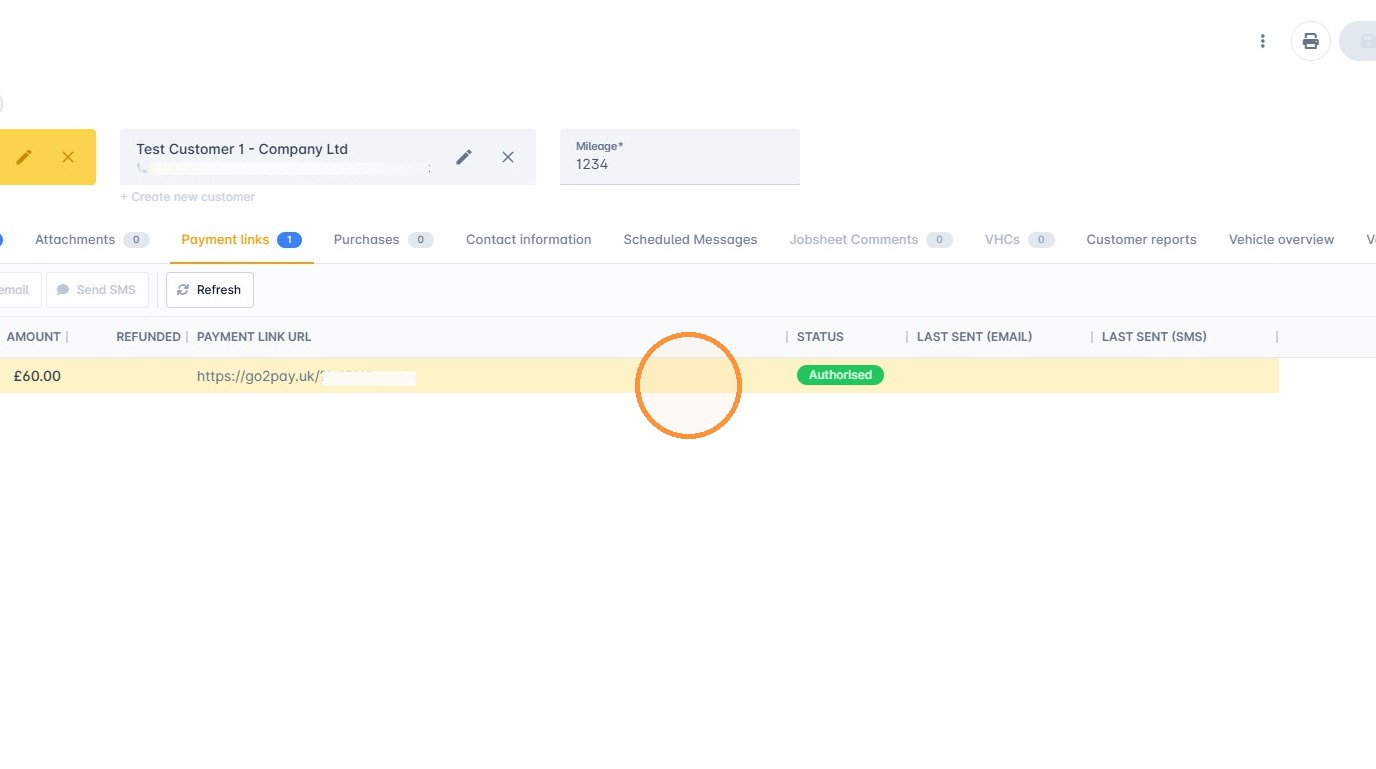
6. Once the payment has been made, the status of the link will update to Authorised, a sales receipt will automatically be created and the invoice balance resolved.
Was this article helpful?
That’s Great!
Thank you for your feedback
Sorry! We couldn't be helpful
Thank you for your feedback
Feedback sent
We appreciate your effort and will try to fix the article