Add your card payment terminals to VGM so you can take payments through them.
1. Once logged into VGM, click Payments.

2. Click Configuration.
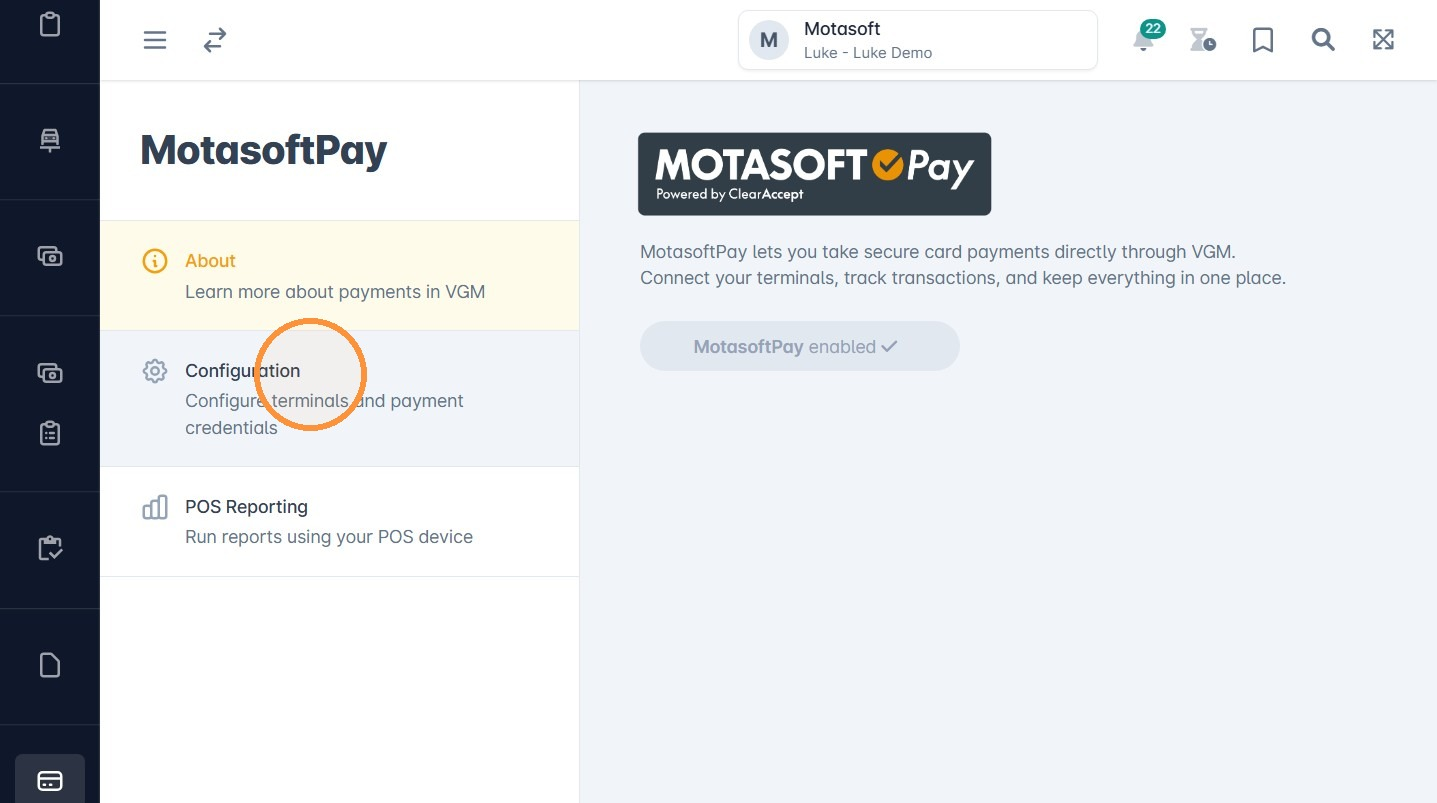
3. Click Manage devices.
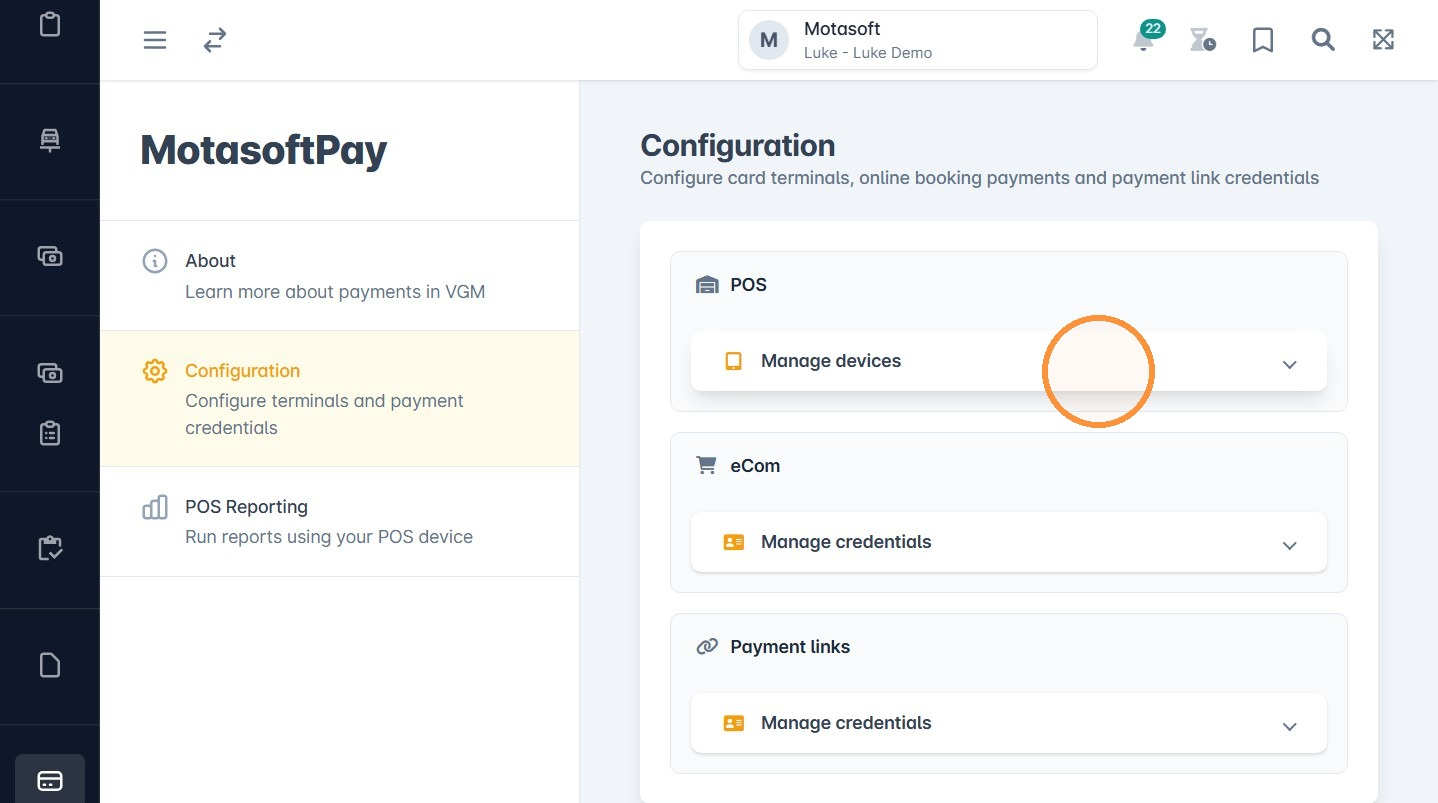
4. Click Add.
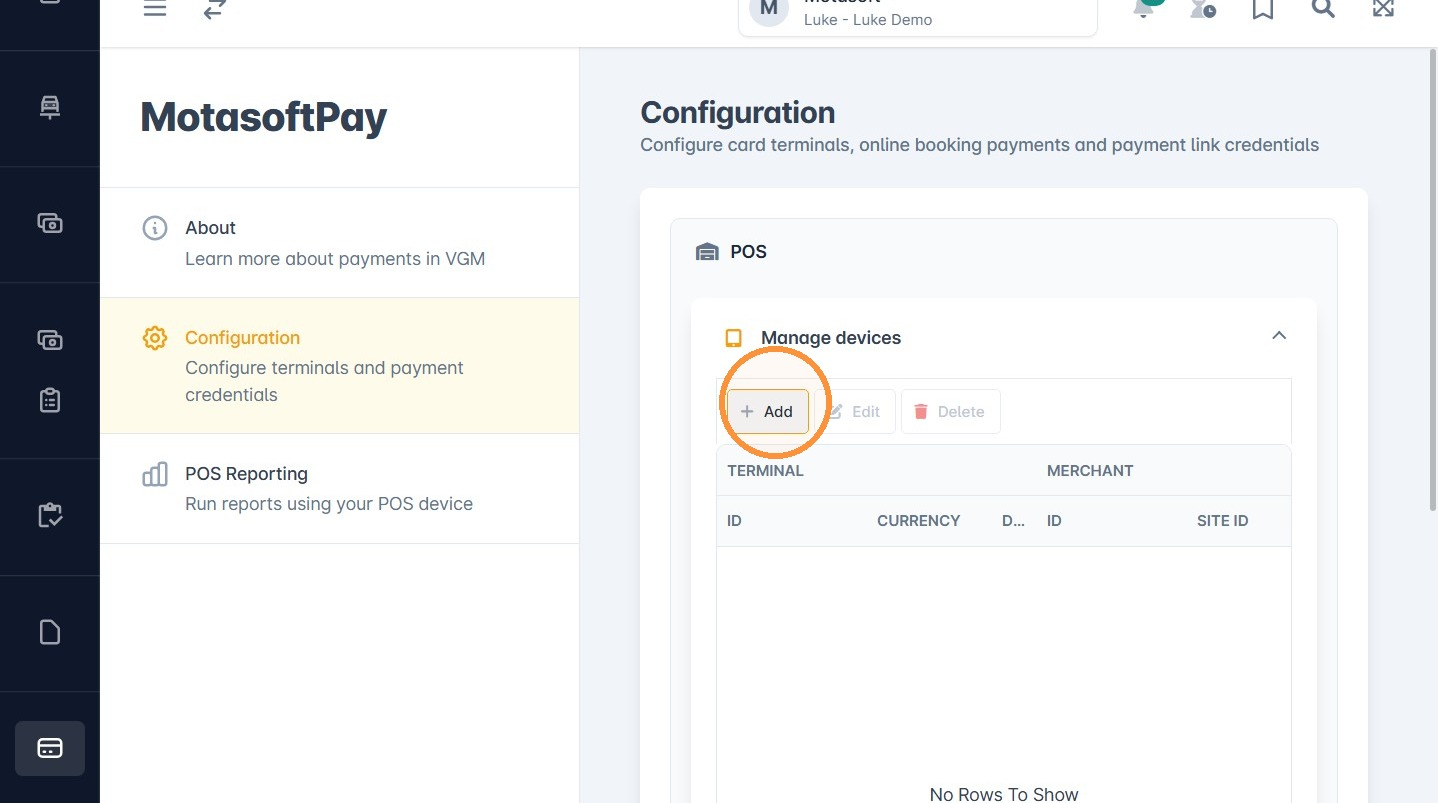
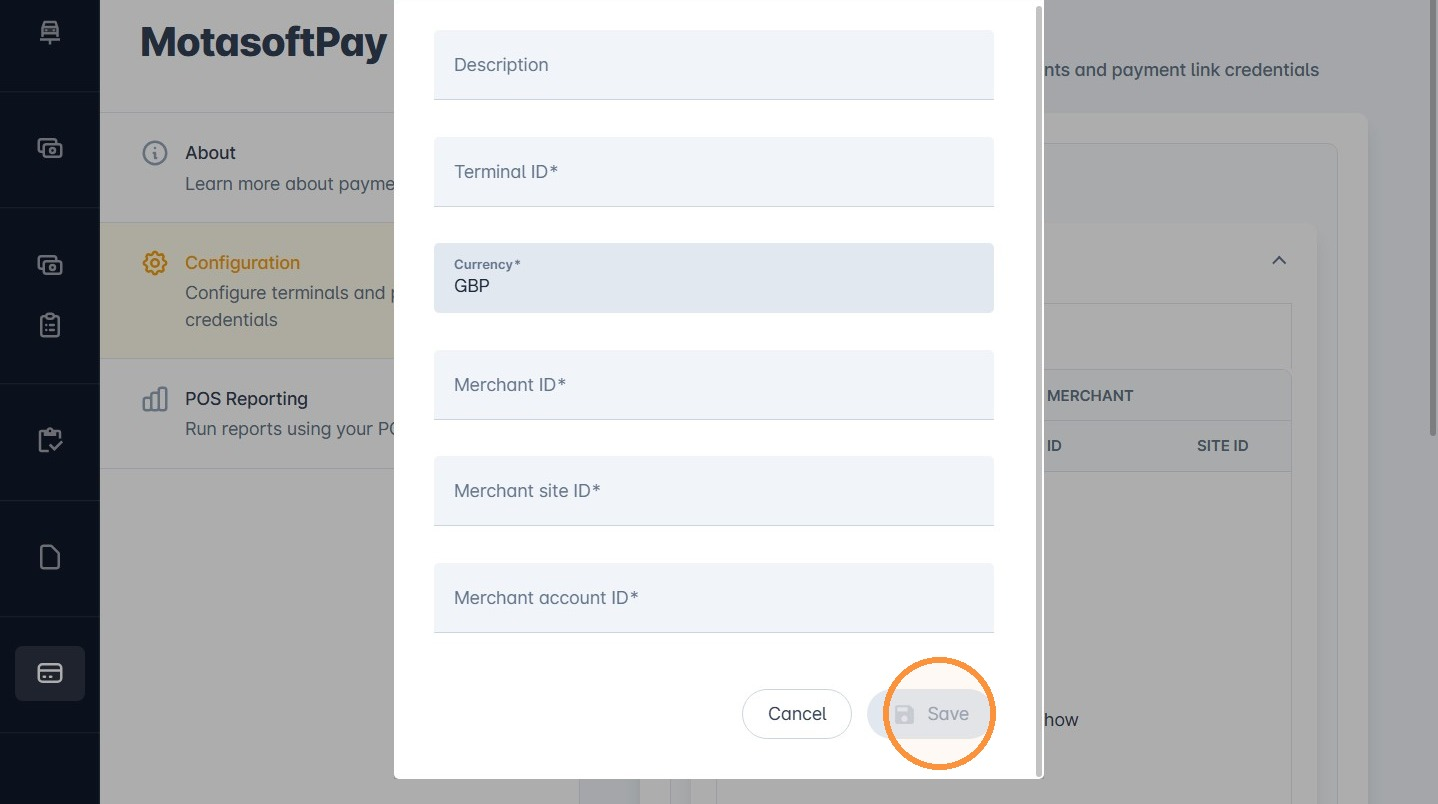
5. An Add terminal window will open where you can enter the required IDs.
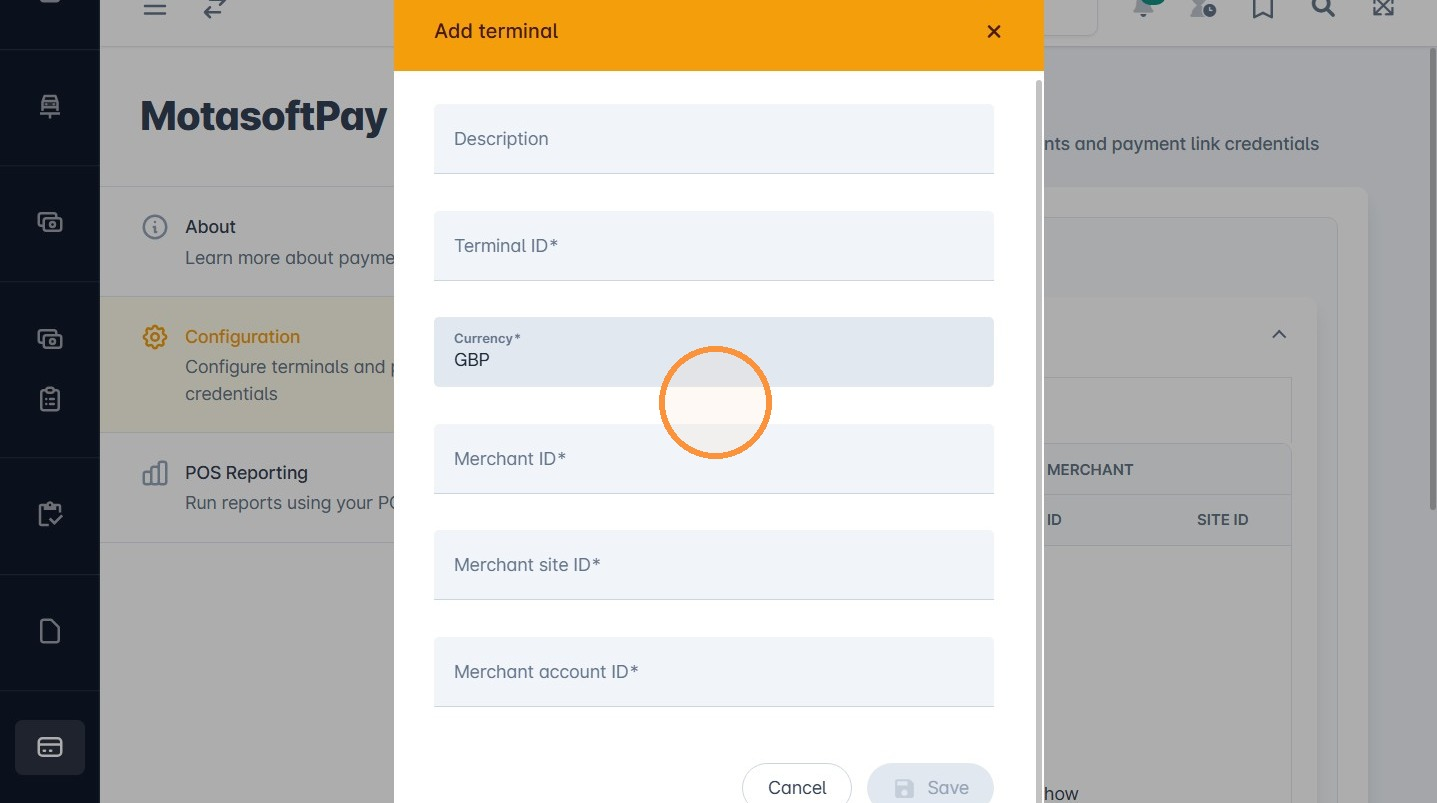
6. Click Save to add the terminal. If you have more than one terminal, repeat steps 4 to 6.
7. Once saved, the terminal will be active on the system.
Was this article helpful?
That’s Great!
Thank you for your feedback
Sorry! We couldn't be helpful
Thank you for your feedback
Feedback sent
We appreciate your effort and will try to fix the article